> ## Documentation Index
> Fetch the complete documentation index at: https://developer.fin.com/llms.txt
> Use this file to discover all available pages before exploring further.
# Fin.com Setup Guide
> How to get onboarded, sign in to the Orchestration Dashboard, and issue your first API keys.
Getting set up takes two things: a commercial conversation with our team, and a few minutes in the Orchestration Dashboard to issue your keys.
## How do I get started with the platform?
Start by [booking a call with our team](https://calendar.app.google/7isCxrBmR8hLoND2A). We will walk through your use case, the corridors you need, and get your account set up.
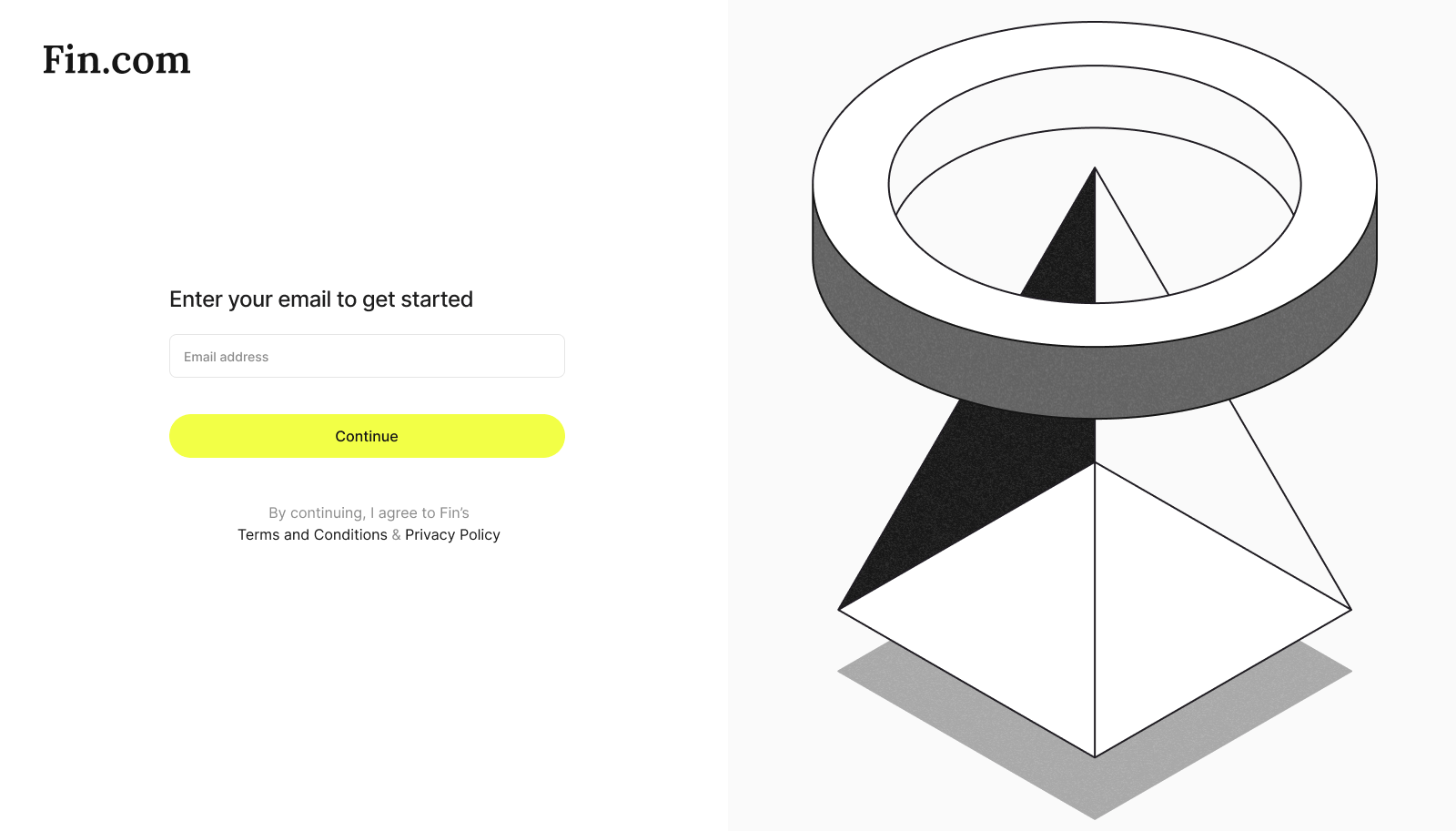
Visit [orchestration.fin.com](https://orchestration.fin.com) and submit the registered email
 Enter the One-Time Password (OTP) sent to your registered contact method to verify your identity.
Once verified, you will be automatically redirected to your account dashboard.
Navigate to the **API Keys** menu to issue your initial set of keys and begin exploring our API collection.
## API base URLs
Your keys work against two environments. Sandbox mirrors production and moves no real money, so build against it first.
| Environment | Base URL |
| :---------- | :---------------------------- |
| Sandbox | `https://sandbox.api.fin.com` |
| Production | `https://api.fin.com` |
The API uses OAuth 2.0 client credentials. Exchange your client ID and secret for an access token, refresh it without re-authenticating, and send it on every request. See [Issue a Token](/api-reference/authentication/issue-a-token).
## OpenAPI spec
The full specification is published as a single YAML file. Import it into Postman, Insomnia, or a client generator to scaffold your integration.
Download the OpenAPI spec (YAML)
To fetch it from the command line:
```bash theme={null}
curl -o FinOpenAPI.yaml https://developer.fin.com/api-reference/openapi.yaml
```
The file is regenerated on every deploy, so it always matches what you see in the API Reference.
## Can I access Production API keys immediately?
To ensure security and compliance, Production keys are only issued after the commercial agreements & sandbox integration is completed.
**Need help moving to production?**
Please contact in your dedicated Slack for more information on the onboarding process.
Enter the One-Time Password (OTP) sent to your registered contact method to verify your identity.
Once verified, you will be automatically redirected to your account dashboard.
Navigate to the **API Keys** menu to issue your initial set of keys and begin exploring our API collection.
## API base URLs
Your keys work against two environments. Sandbox mirrors production and moves no real money, so build against it first.
| Environment | Base URL |
| :---------- | :---------------------------- |
| Sandbox | `https://sandbox.api.fin.com` |
| Production | `https://api.fin.com` |
The API uses OAuth 2.0 client credentials. Exchange your client ID and secret for an access token, refresh it without re-authenticating, and send it on every request. See [Issue a Token](/api-reference/authentication/issue-a-token).
## OpenAPI spec
The full specification is published as a single YAML file. Import it into Postman, Insomnia, or a client generator to scaffold your integration.
Download the OpenAPI spec (YAML)
To fetch it from the command line:
```bash theme={null}
curl -o FinOpenAPI.yaml https://developer.fin.com/api-reference/openapi.yaml
```
The file is regenerated on every deploy, so it always matches what you see in the API Reference.
## Can I access Production API keys immediately?
To ensure security and compliance, Production keys are only issued after the commercial agreements & sandbox integration is completed.
**Need help moving to production?**
Please contact in your dedicated Slack for more information on the onboarding process.