> ## Documentation Index
> Fetch the complete documentation index at: https://developer.fin.com/llms.txt
> Use this file to discover all available pages before exploring further.
# Orchestration Dashboard Usage
> Guide on getting started with the Fin.com Orchestration Dashboard.
## How do I get started with the platform?
Setting up your account is a straightforward process. To obtain sandbox access and API keys, navigate to [**orchestration.fin.com**](http://orchestration.fin.com) and complete the following steps:
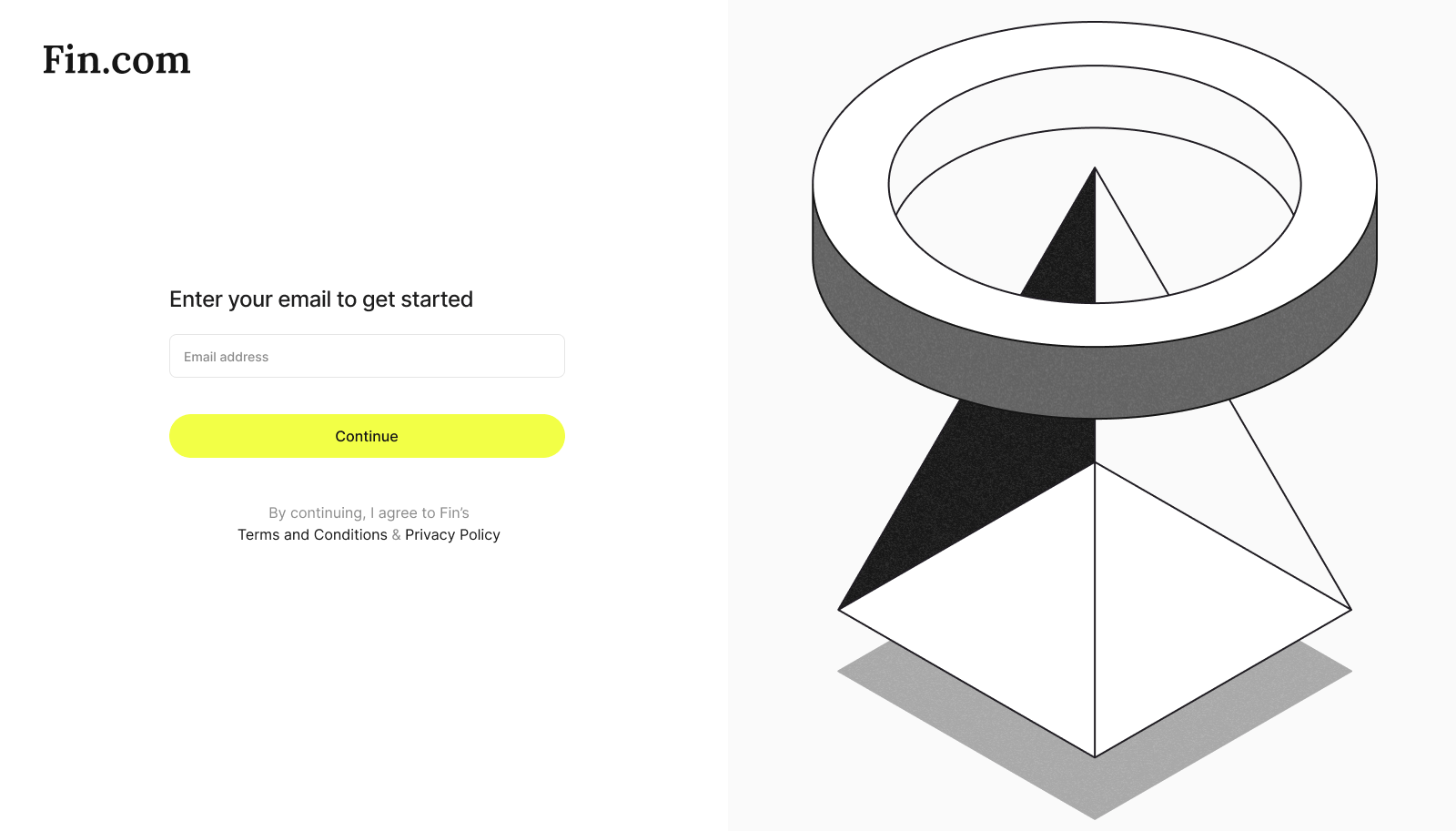
Visit [orchestration.fin.com](https://orchestration.fin.com) and submit the registered email
 Enter the One-Time Password (OTP) sent to your registered contact method to verify your identity.
Once verified, you will be automatically redirected to your account dashboard.
Navigate to the **API Keys** menu to issue your initial set of keys and begin exploring our API collection.
## Can I access Production API keys immediately?
To ensure security and compliance, Production keys are only issued after the commercial agreements & sandbox integration is completed.
**Need help moving to production?**
Please contact in your dedicated Slack for more information on the onboarding process.
Enter the One-Time Password (OTP) sent to your registered contact method to verify your identity.
Once verified, you will be automatically redirected to your account dashboard.
Navigate to the **API Keys** menu to issue your initial set of keys and begin exploring our API collection.
## Can I access Production API keys immediately?
To ensure security and compliance, Production keys are only issued after the commercial agreements & sandbox integration is completed.
**Need help moving to production?**
Please contact in your dedicated Slack for more information on the onboarding process.